What Stayant does for you.
Payments, a channel manager, pricing, guest messaging, reports and your own booking website, all in one system.
Deposits and balances, taken automatically
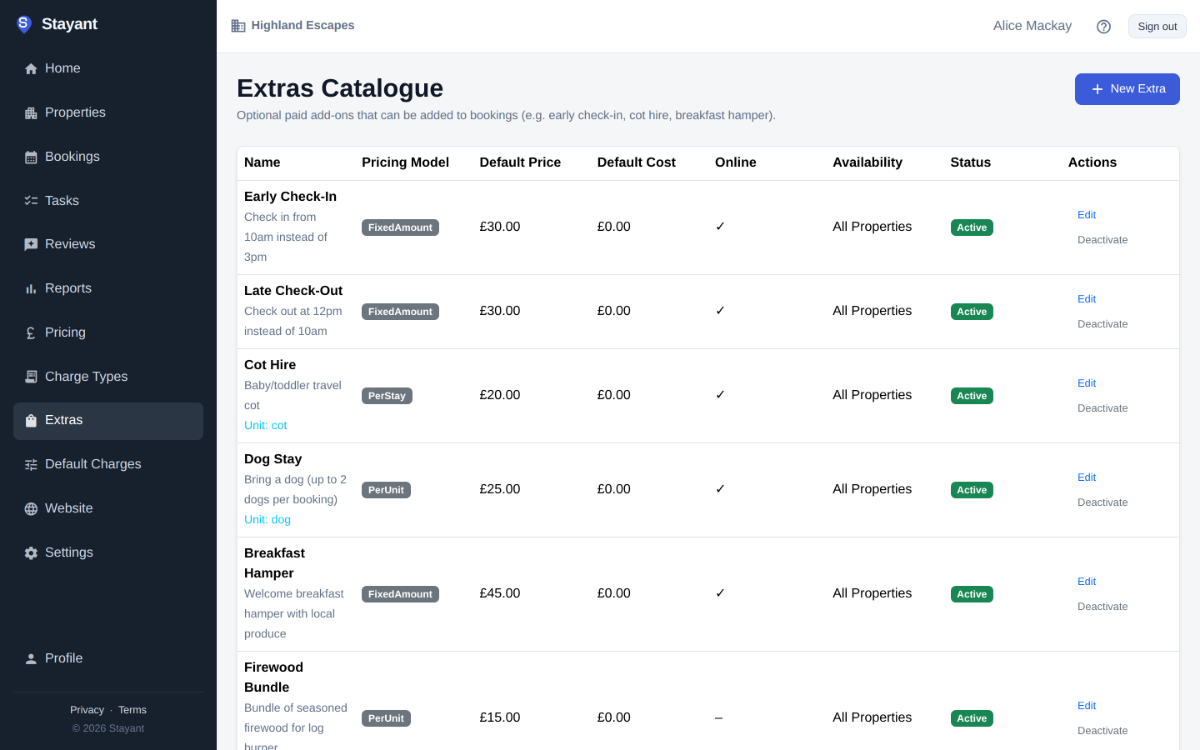
Stayant uses Stripe to capture the deposit the second a booking lands, then saves the guest's card and charges the balance automatically on the day you set, so you don't have to chase anyone. If a charge fails, the booking is flagged so you can follow up in one click. Refunds, manual payments and partial charges all happen inside Stayant.
- ✓Deposit captured on booking confirmation
- ✓Final balance charged automatically on the schedule you set
- ✓Failed payments flagged instantly for follow-up
How it works
- Deposit taken at bookingThe guest pays the deposit by card when they book, and Stripe saves the card for later.
- Balance charged automatically before arrivalOn the date you set, the saved card is charged for the balance. No reminders to send.
- Late payers chased by email and SMSSet up a balance reminder and Stayant emails or texts any guest with an overdue balance each day until it’s paid or they arrive. Failed charges are flagged for you.
Automatic guest messages
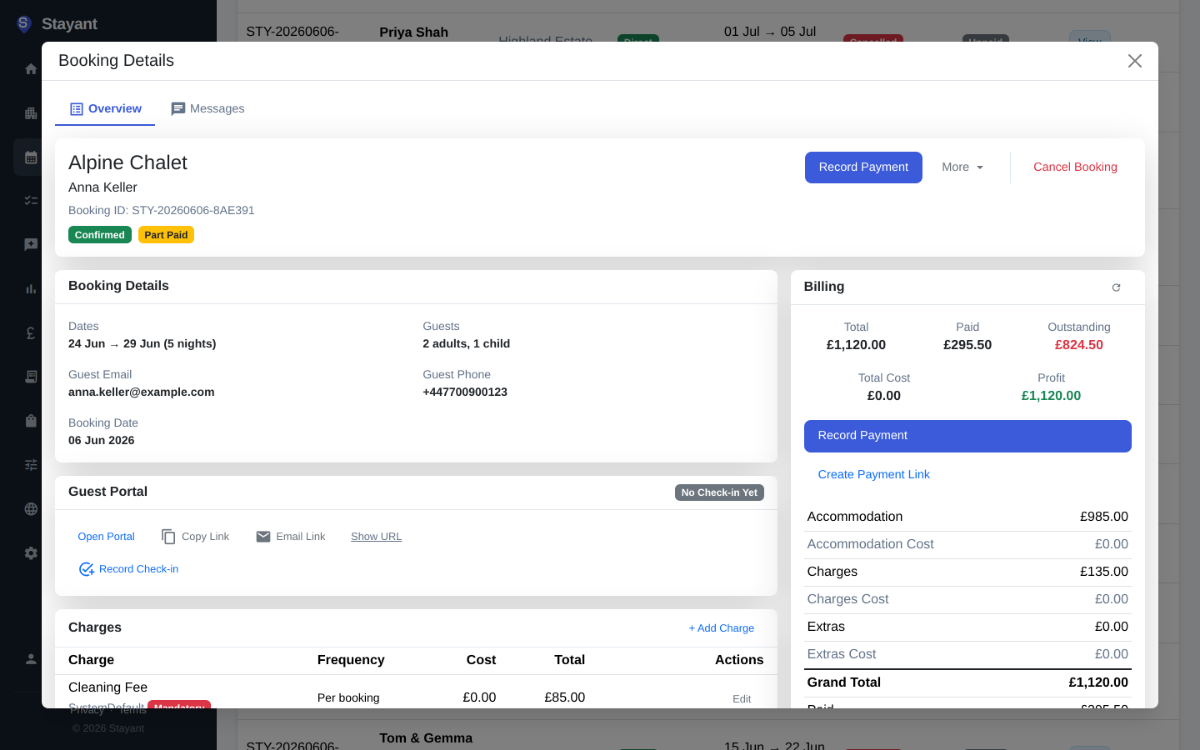
Write templates for the messages you send every time, such as booking confirmations, check-in instructions, a mid-stay check and a review request, and choose when each one goes out. Stayant sends via email and the guest's OTA inbox, so you never miss a message or get locked out of a conversation.
- ✓Template library with merge fields
- ✓Triggered by booking events (confirmed, arriving, checked-in, checked-out)
- ✓Email + native OTA inbox (Booking, Airbnb)
Extras and charges
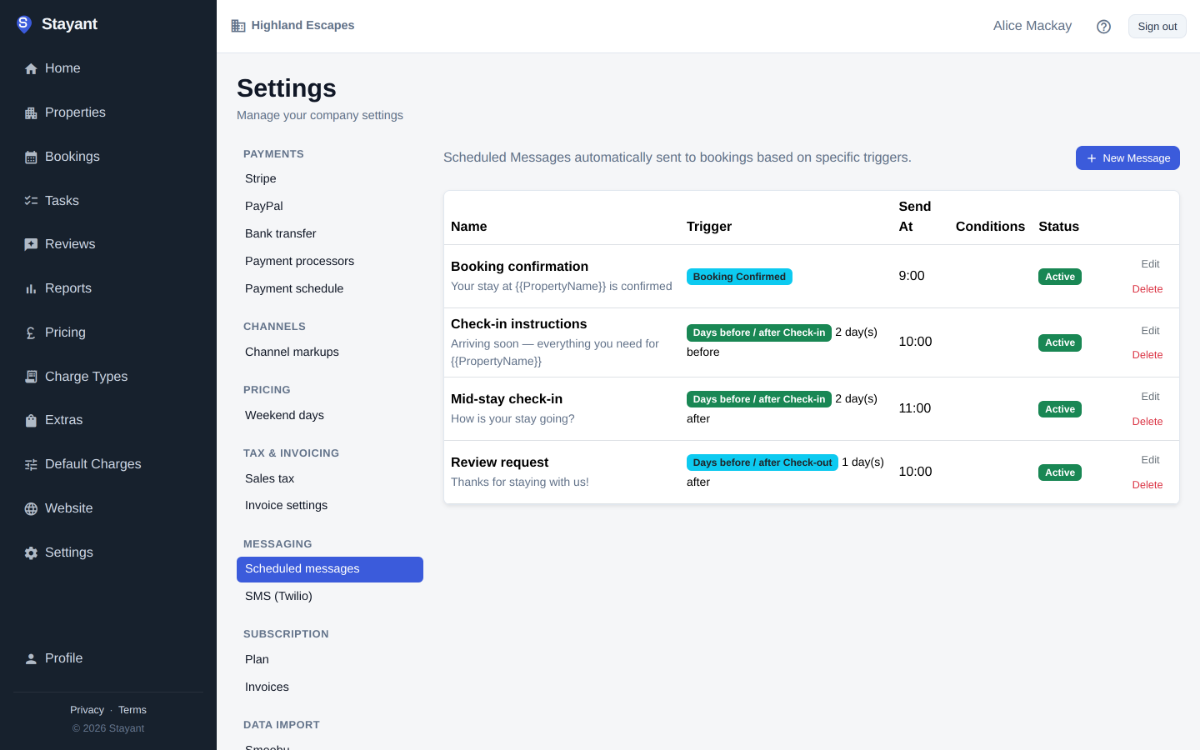
Set extras per property: flat fees, per-night, per-guest, or optional add-ons the guest picks at checkout. Every charge lands on the right invoice with the correct VAT.
- ✓Per-property extras library
- ✓Flat, per-night, per-guest, per-booking pricing
- ✓Optional add-ons surfaced at checkout
Pricing and minimum stays
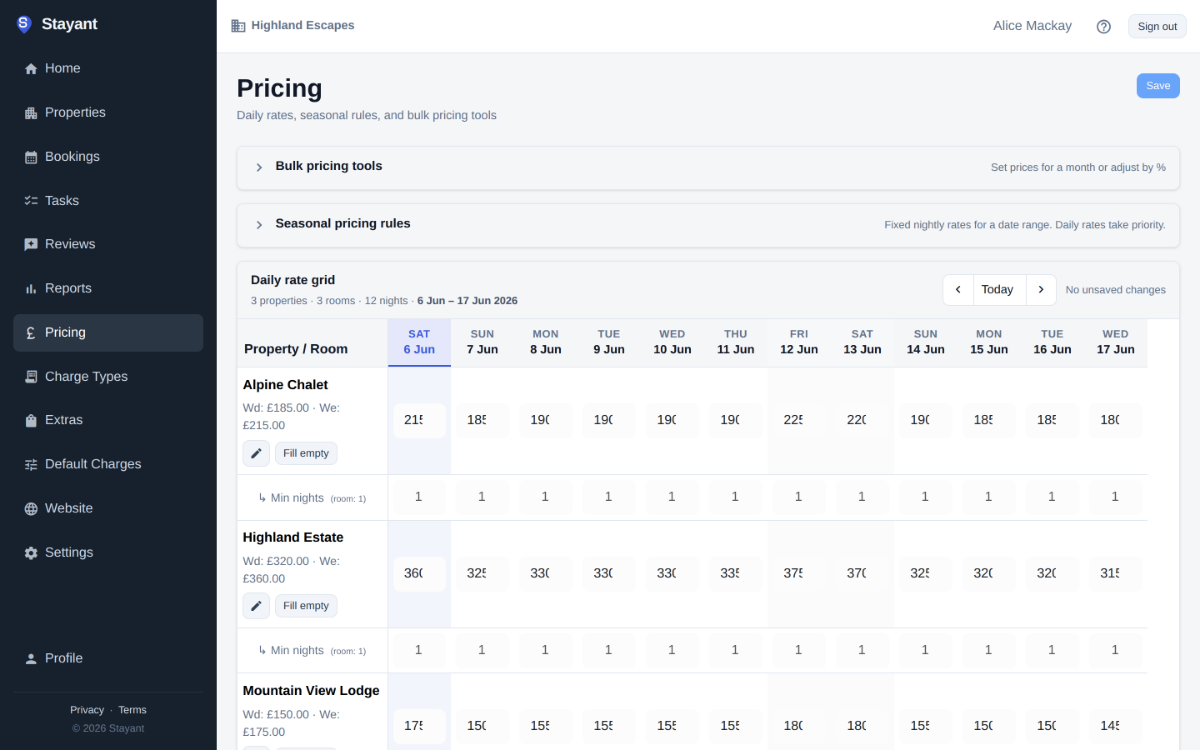
A calendar where every cell is yours. Set base rates per property, layer seasonal rules, length-of-stay discounts, and minimum-stay enforcement. Stayant pushes the result to every channel in real time.
- ✓Per-property, per-night price control
- ✓Seasonal rules (holiday uplifts, shoulder discounts)
- ✓Length-of-stay discounts
Channel manager
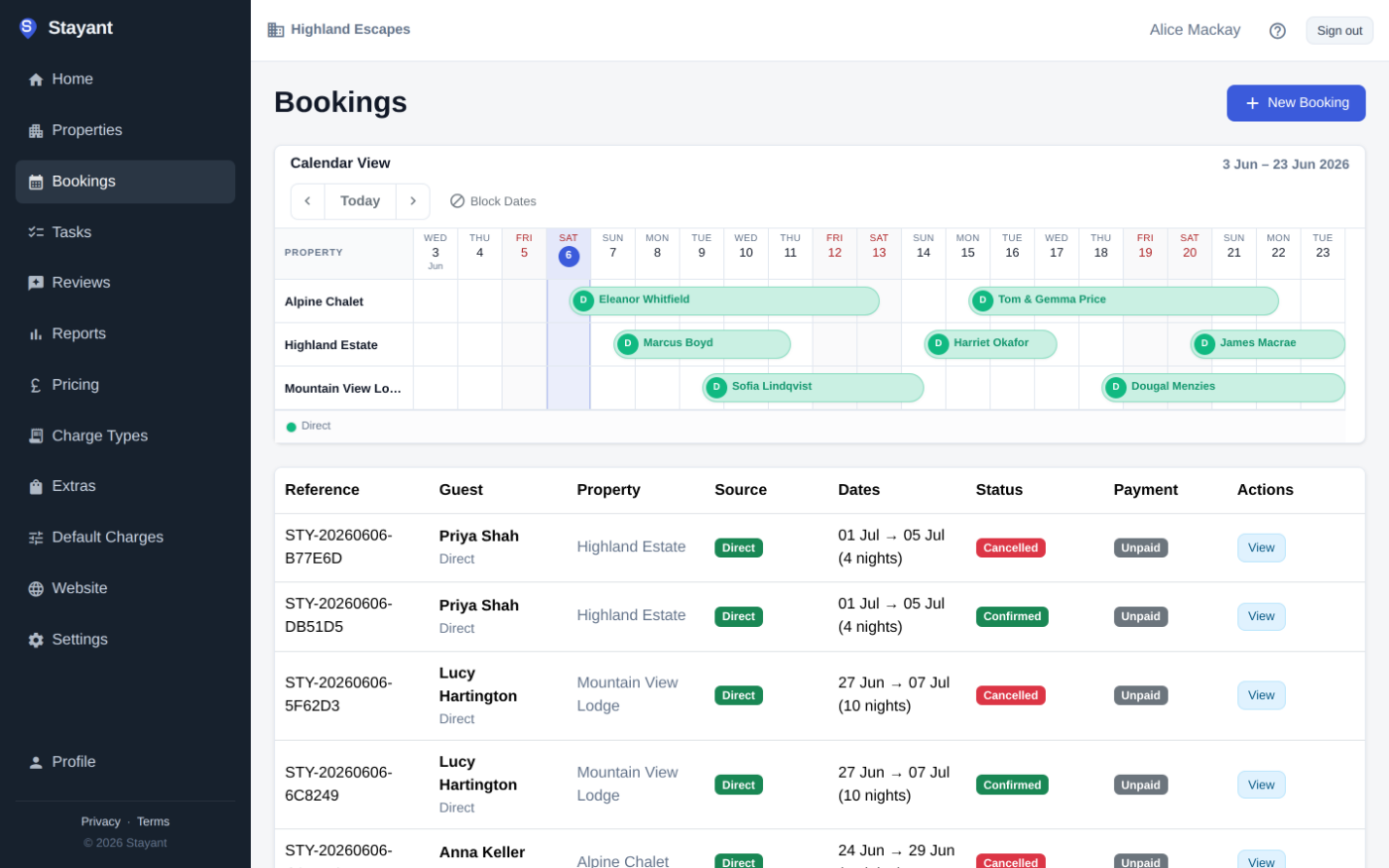
Booking.com, Airbnb, Vrbo, Expedia, Agoda and TripAdvisor, plus iCal for everything else. Rates, availability and restrictions go out to every channel and reservations come back in, so a booking on one site closes the dates on the others.
- ✓Two-way sync with all major OTAs
- ✓iCal import/export for anything else
- ✓Real-time inventory updates
Guest portal and online check-in
Every guest gets a branded portal: trip details, check-in instructions, property guide, local tips, and a digital check-in form that captures arrival times, guest details and special requests.
- ✓Branded guest portal per booking
- ✓Online check-in: arrival time, guest details, vehicle registration
- ✓Property guide and local tips
Reports
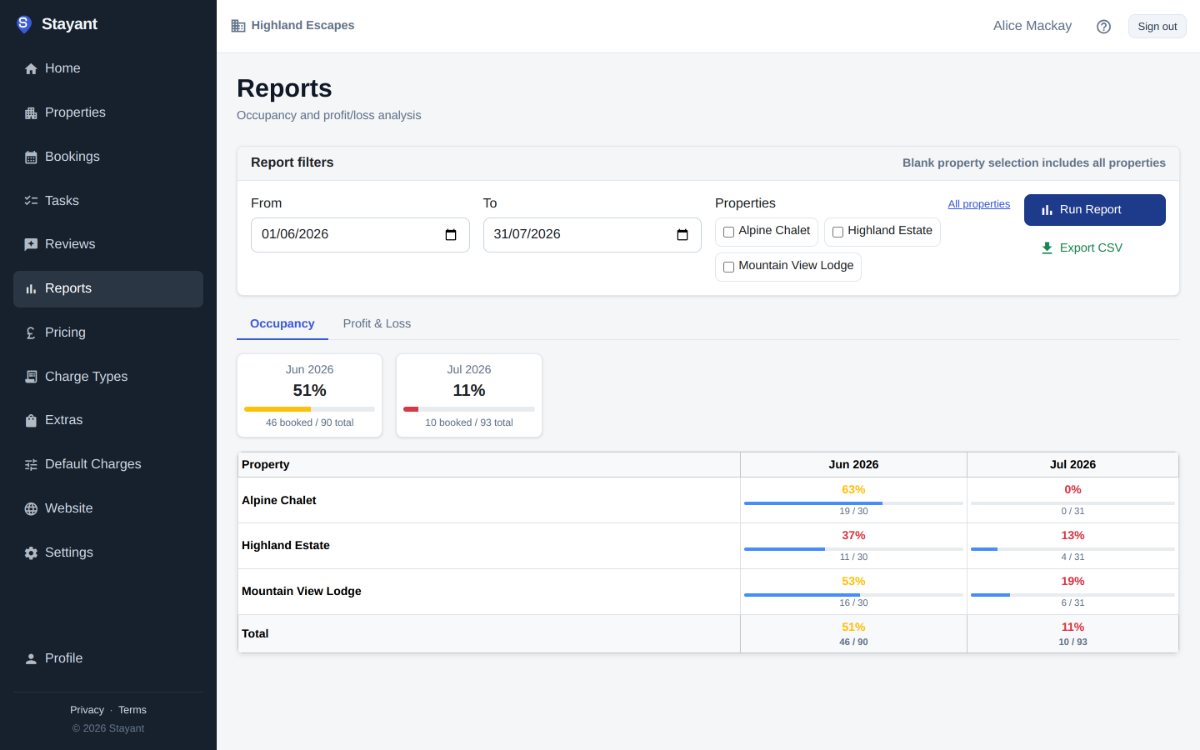
Occupancy, revenue and per-property P&L, with charges and extras broken out. Filter by date range and property, then export to CSV for your accountant.
- ✓Occupancy and revenue by property and portfolio
- ✓Charges and extras revenue breakdowns
- ✓Per-property P&L
Your own booking website
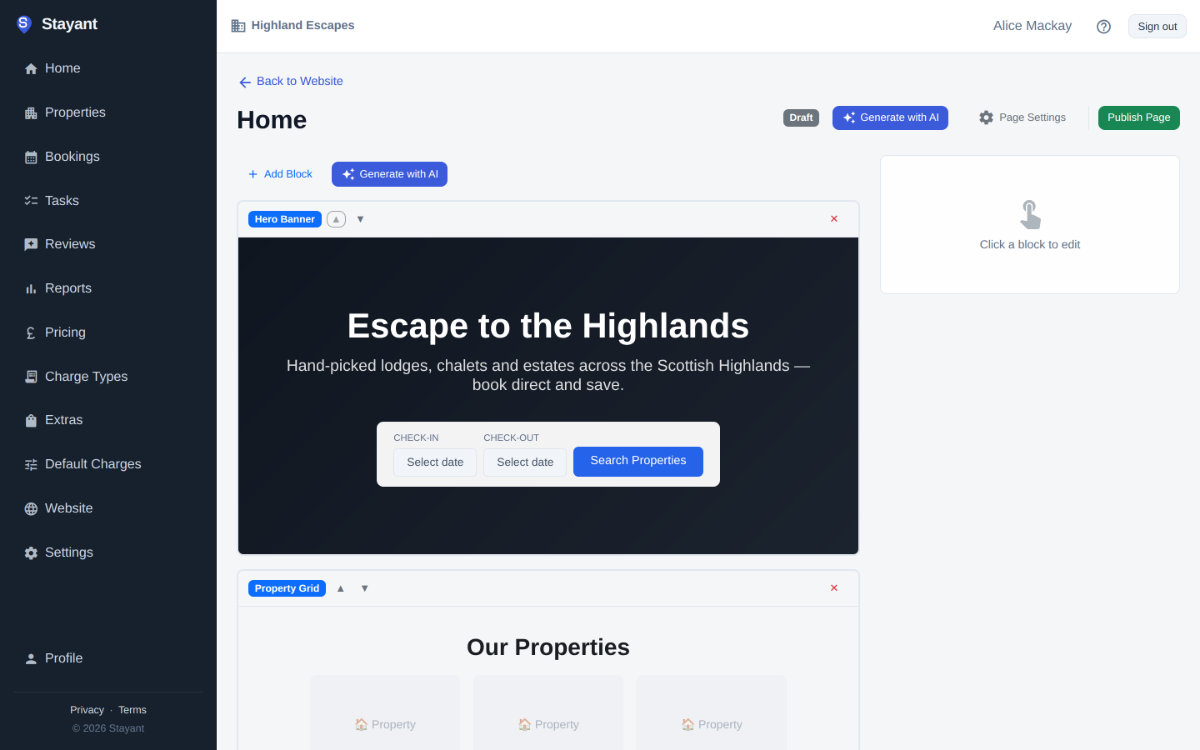
A public website on your own domain, built with Stayant's block-based builder: add blocks, upload photos, write your copy and publish. Guests can search by dates, guests and amenities, and there's no commission on direct bookings.
- ✓Block-based drag-and-drop builder
- ✓Your own domain, your own branding
- ✓Advanced search: dates, guests, amenities, location