The messages you send every week, sent for you
Write each message once, choose when it goes out, and Stayant fills in the guest’s details and sends it. Replies and channel messages land in one inbox.
14-day free trial, no card needed.
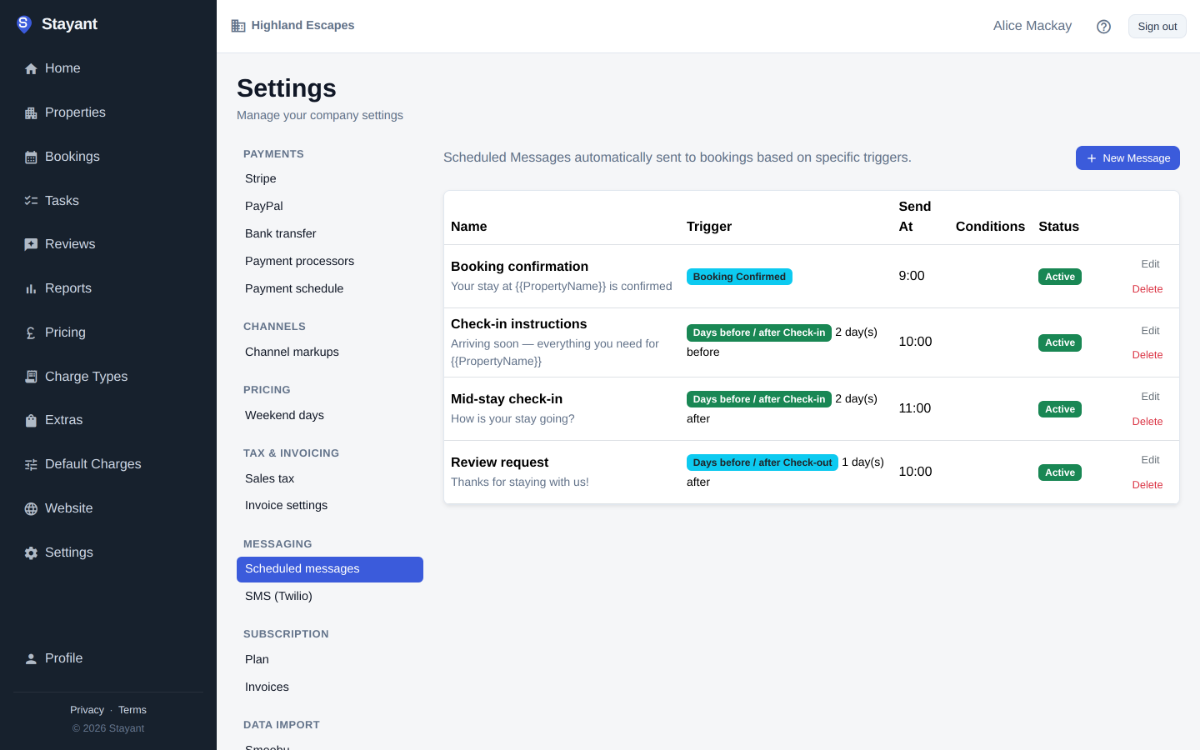
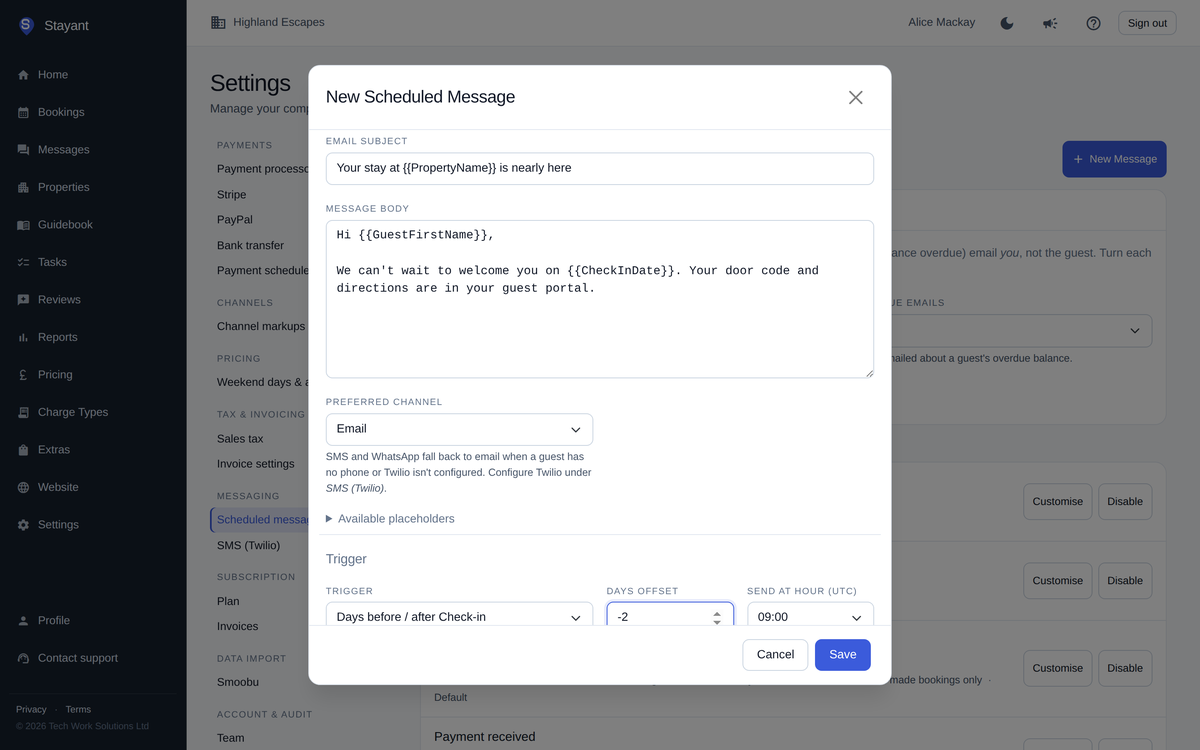
Templates with the details filled in
Templates use placeholders such as the guest’s name, check-in date, balance due and a link to their guest portal. Send them a set number of days before or after check-in or check-out, or when a booking is confirmed, cancelled or paid.
- Email, SMS or WhatsApp, through your own Twilio account for texts
- Only send when, for example, the guest has a balance outstanding or has booked a particular extra
- Ready-made booking and payment emails you can customise or switch off
One inbox
Guest replies to your emails, messages from the guest portal and messages from Booking.com and Airbnb guests all arrive in Messages. Reply from Stayant and it goes back the way it came.
- Website enquiries from your contact form in the same place
- Owner notifications for new bookings and overdue balances
Reviews after every stay
The day after check-out, Stayant emails the guest a link to leave a review. Approve reviews before they appear on your website.
Step-by-step: Setting up automated messages
Common questions
Do I need Twilio?
Only for SMS and WhatsApp. Email works out of the box. Text messages go through your own Twilio account, so Twilio bills you directly.
Can guests reply by text?
Not yet. Guests can reply by email, through their guest portal or on the booking channel.
What time do messages go out?
You choose the hour for each scheduled message.